When most people talk about 2N power redundancy, they mean a generator sitting in the parking lot. That's fine for a web server. It's not fine for a 120kW GPU cabinet running a 72-hour training job. True 2N for AI infrastructure means two completely independent grid sources — either of which can carry the full load alone — not a utility feed with a diesel backup that takes 15 seconds to spin up.
What "2N" Actually Means — and Where the Definition Gets Slippery
The term 2N is overloaded in this industry. You'll see it on sales sheets for facilities that have a single utility feed, a UPS bank, and a generator. Technically, there's redundancy in that stack. Practically, there's a single point of failure at the utility entrance, and you're one substation fault away from a transfer event.
Here's what the components actually mean:
N+1 means you have one more unit of capacity than you need. One extra UPS module, one extra cooling unit. Lose one, the others absorb the load. Standard stuff.
2N means full duplication — two complete, independent systems, either capable of running the entire load. In power terms, that means two separate utility feeds from different substations, two independent UPS systems, two separate PDU paths to every cabinet.
2N for AI clusters means all of the above, plus the two utility feeds need to come from genuinely diverse sources. Different substations isn't enough if both substations are on the same transmission line. You need different transmission paths, or — better — one grid source and one gas generation plant operating as a co-equal primary source, not a backup.
That last distinction is what most facilities don't have. And for GPU clusters, it's the one that actually matters.
Why Does a Training Job Care About a 10-Second Power Transfer?
Standard enterprise servers are designed to tolerate brief power events. Modern UPS systems handle the transfer gap. Applications restart, databases recover from logs, the world moves on.
GPU training doesn't work that way.
A distributed training run across 64 H100 GPUs is a tightly coordinated process. Every GPU is communicating with every other GPU through NVLink and InfiniBand, maintaining gradient state, checkpoint intervals, and synchronization barriers. When power drops — even for a fraction of a second — that coordination collapses. The job dies. You recover from the last checkpoint, which might be 30 minutes back, or two hours back depending on your checkpoint strategy.
Now do the math. A 64-GPU cluster at current cloud spot pricing runs $15,000–$20,000 per day. A two-hour setback from a power event costs you $1,200–$1,600 in lost compute time. Do that twice a month and you've paid for a substantial infrastructure upgrade. Do it on a job with a 48-hour deadline and you've missed the deadline.
The power event doesn't have to be a full outage. A voltage sag during a transfer event can cause GPU errors that corrupt the training state without killing the job outright — which is actually worse, because you might not catch it until you're evaluating a model that trained on garbage gradients for the last six hours.
This is why the power architecture for AI colo isn't an academic distinction. It has direct operational and financial consequences.
What 120kW Per Cabinet Actually Demands From the Infrastructure
Standard colocation was designed around 5–15kW per cabinet. A typical 1U server draws 200–400W. You could fit 40 servers in a cabinet and still stay under 10kW. The power and cooling infrastructure was built around that assumption.
An H100 GPU draws 700W per card. A DGX H100 system — 8 GPUs, plus CPUs, memory, NVLink switches, and storage — pulls around 6.5–7kW. Put 10 of those in a cabinet and you're at 65–70kW. Push to a denser configuration and you're past 100kW from a single cabinet.
Air cooling stops working at around 30–40kW per cabinet under real-world conditions. Above that, you're fighting physics. You can add more CRAC units, raise the airflow velocity, lower the supply air temperature — and you'll still have hot spots, thermal throttling, and GPU performance degradation. The heat density is simply too high for air to carry it away fast enough.
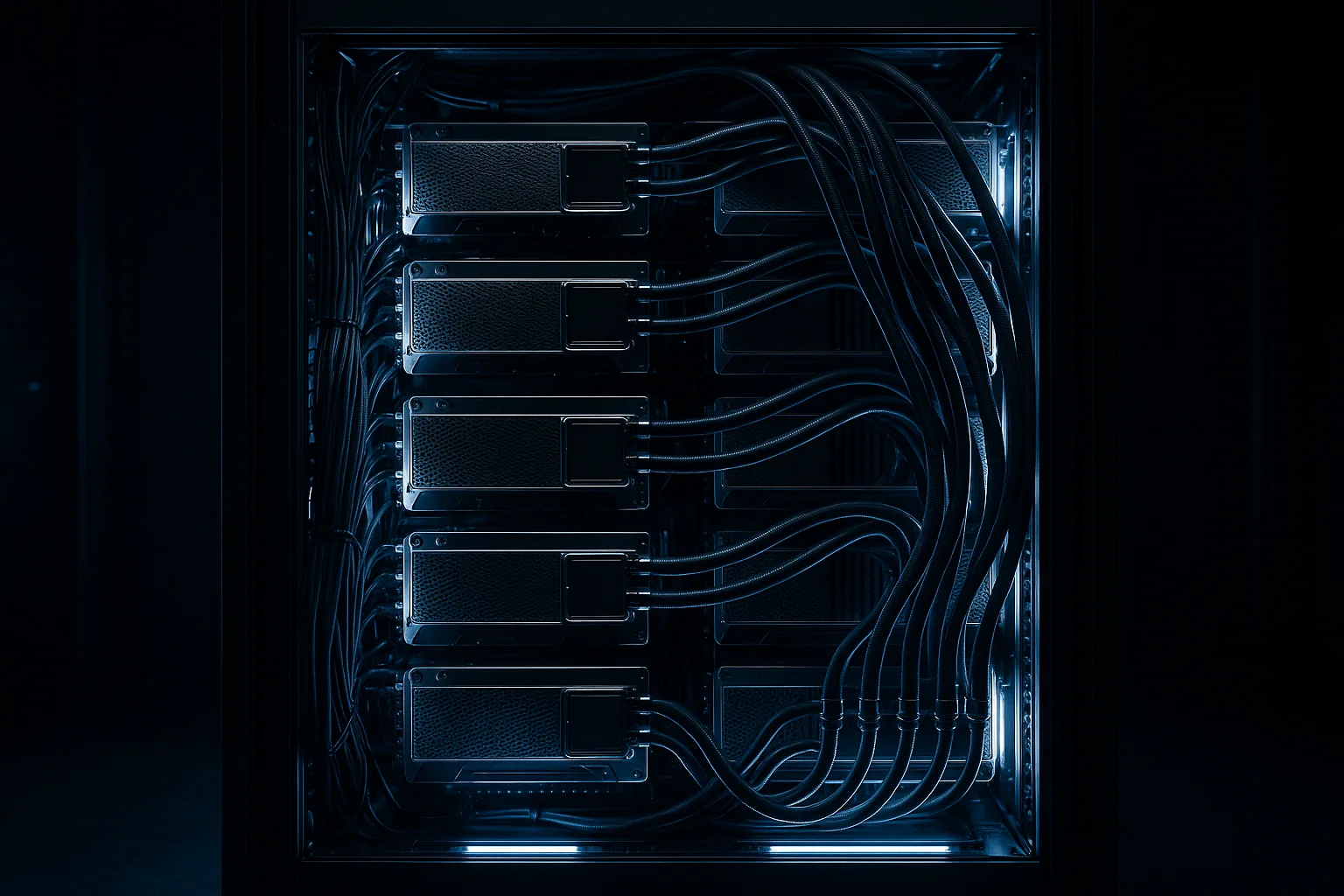
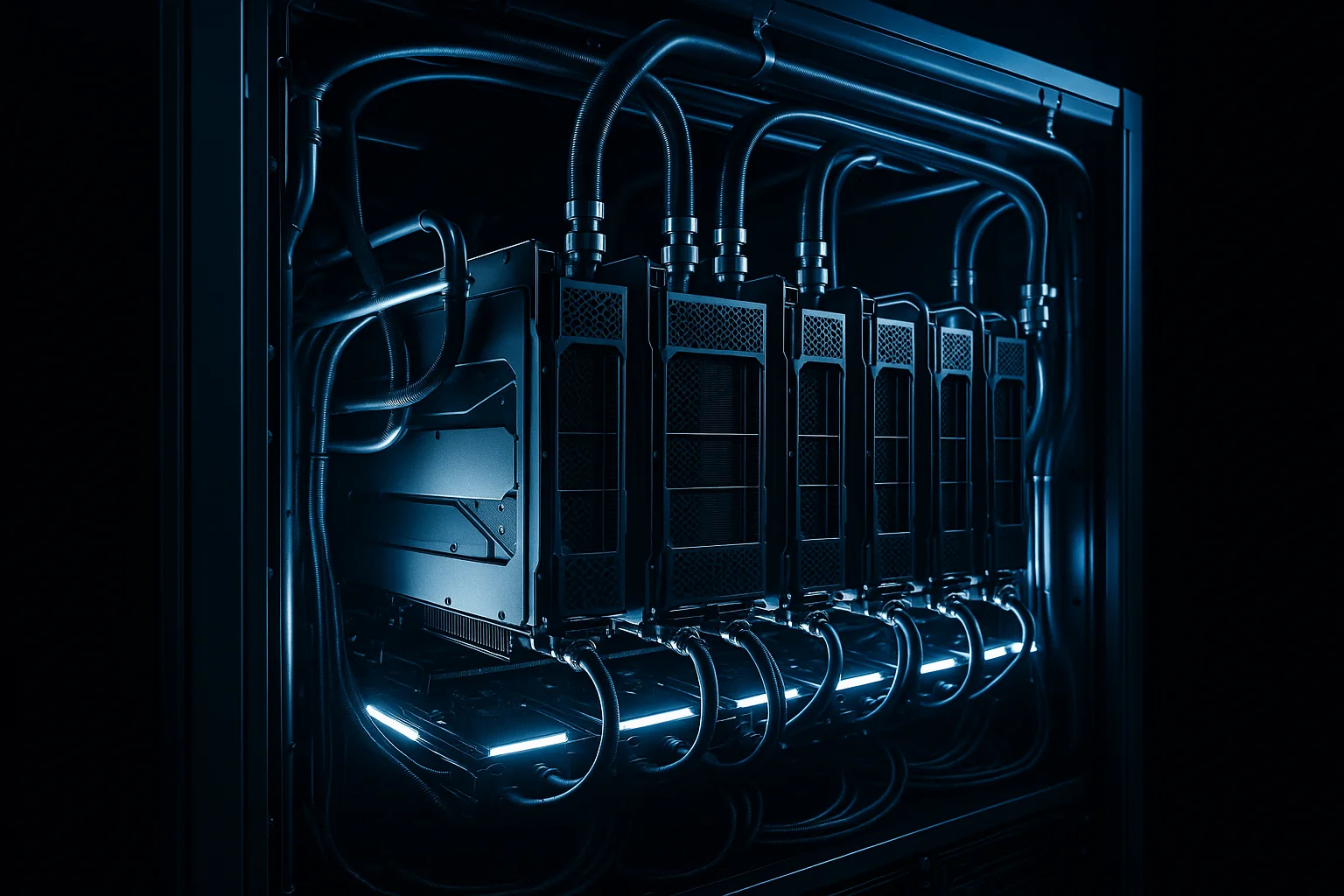
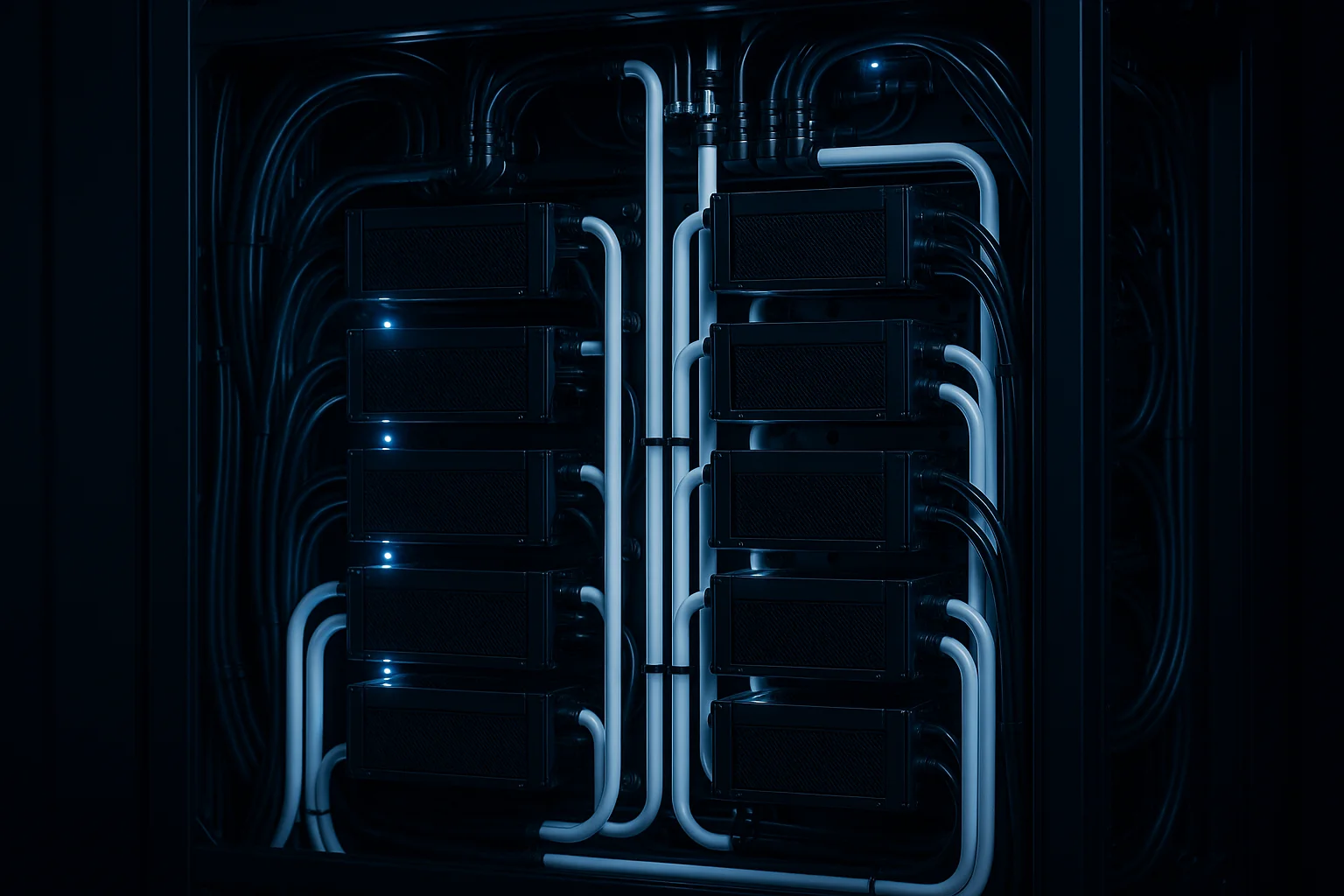
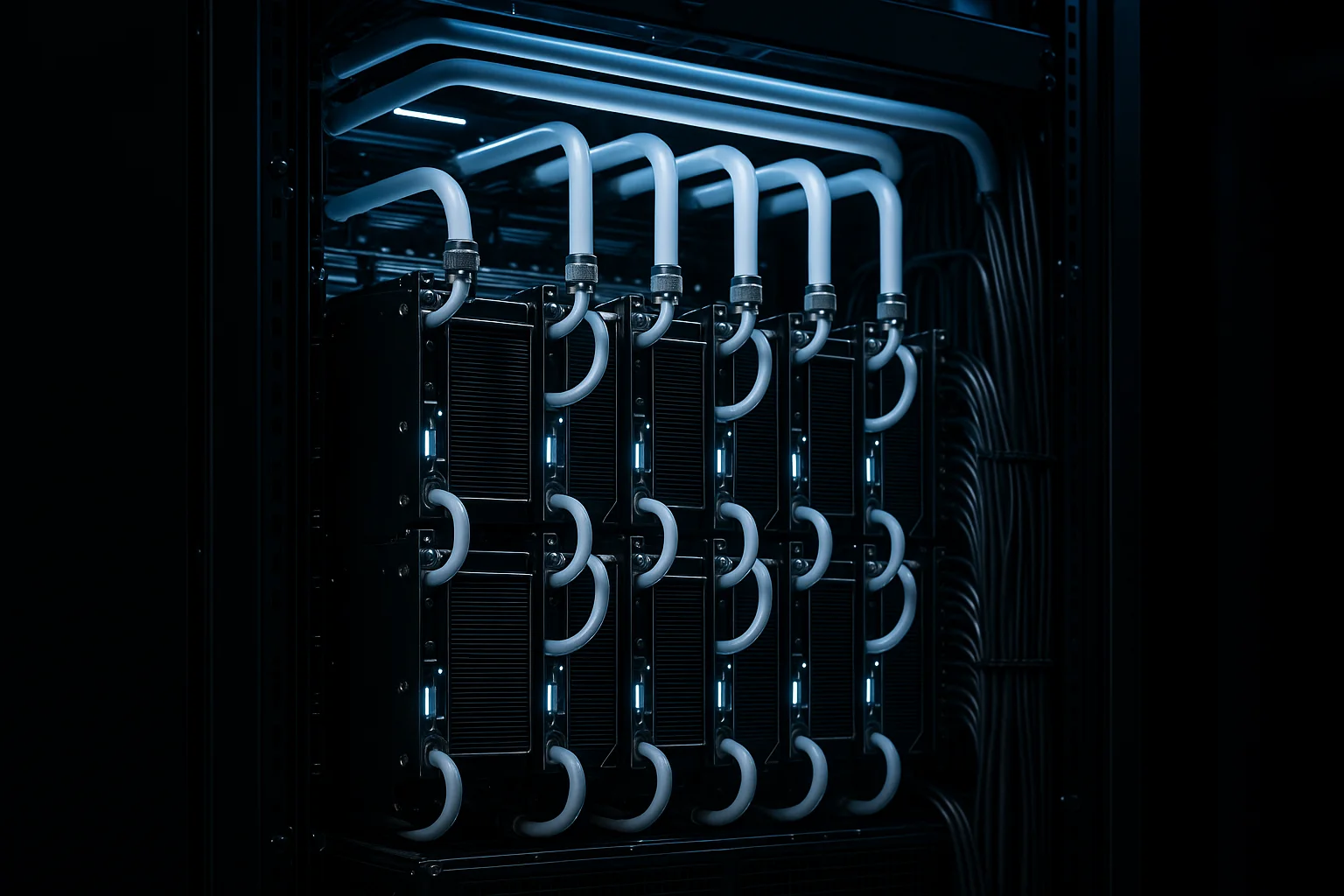
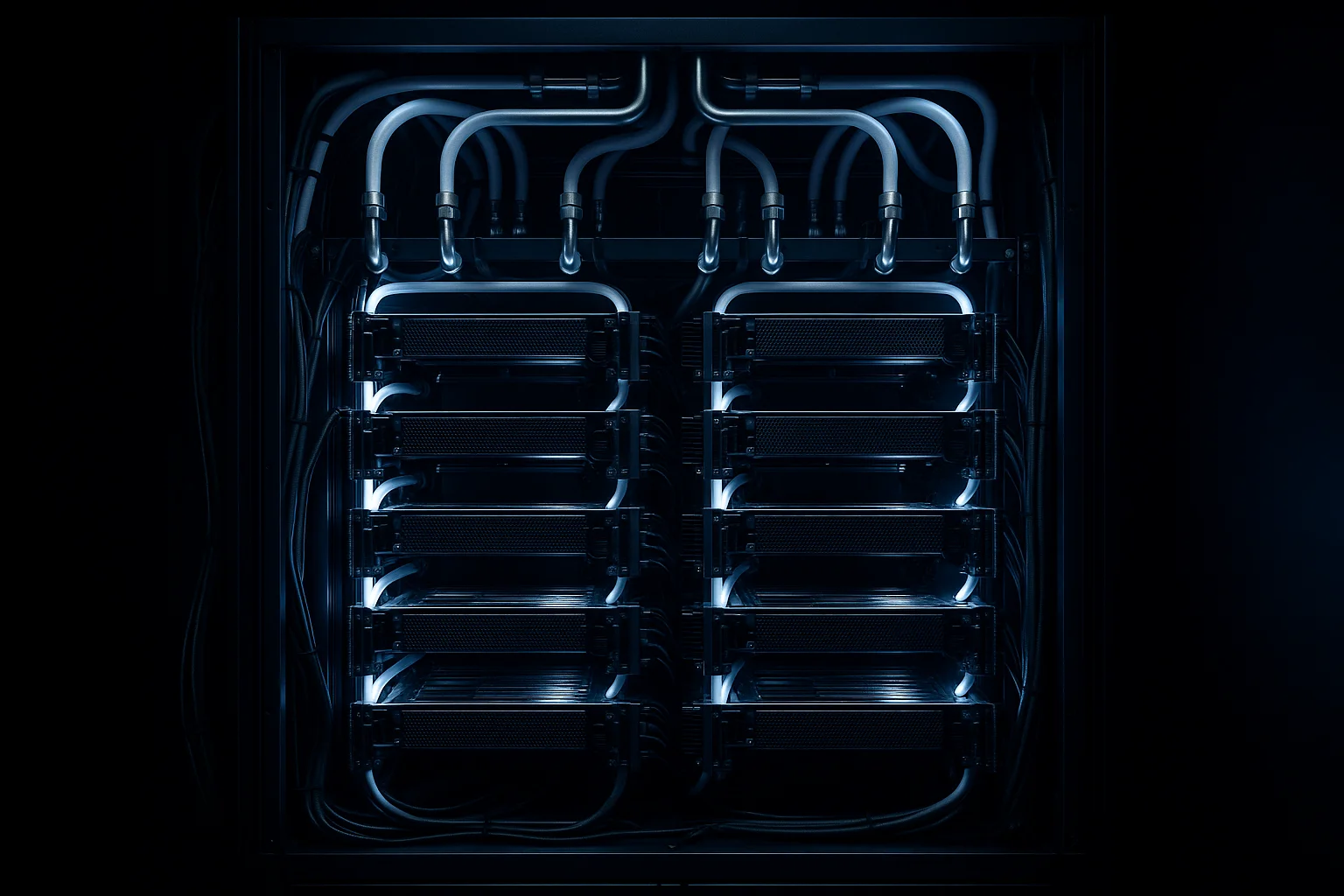
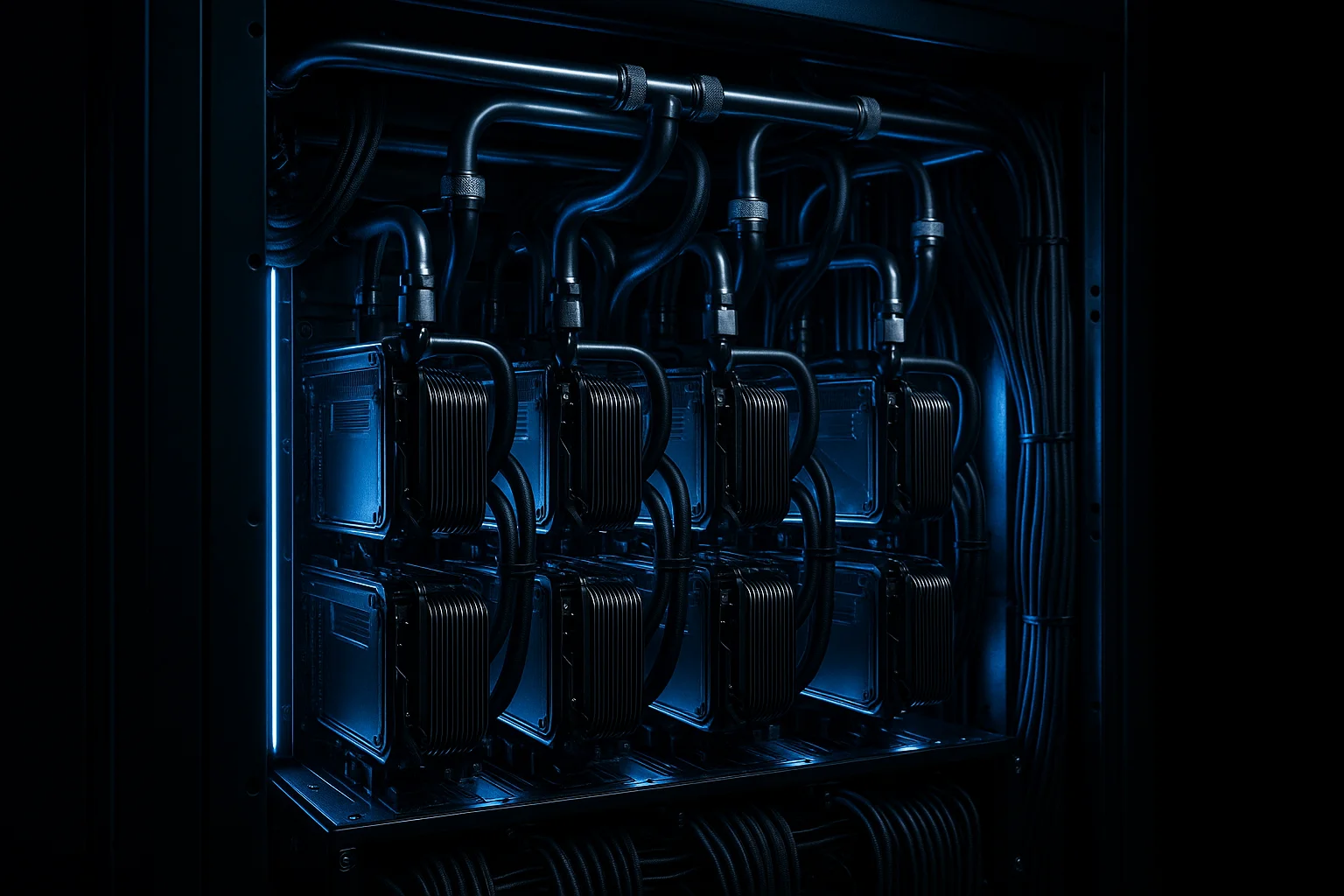
Direct-to-chip liquid cooling is the only architecture that works at 100kW+ per cabinet. Coolant runs directly to cold plates on the CPUs and GPUs, carrying heat away at a fraction of the volume and energy cost of moving the equivalent air. The math on this is straightforward: water has roughly 3,500 times the heat capacity of air by volume. You need a lot less of it to move the same amount of heat.
This is why IDACORE East is built around direct-to-chip liquid cooling at 120kW per cabinet, not air cooling with liquid as an afterthought. The facility was designed for this density from the ground up.
How the Power Architecture at IDACORE East Is Different
| Feature | Standard Colo (Typical) | IDACORE East |
|---|---|---|
| Primary power source | Single utility feed | Independent grid source |
| Backup power | Generator (N+1) | Gas generation as co-equal primary (true 2N) |
| Transfer time | 10–30 seconds (UPS bridged) | Zero — continuous dual-source |
| Cabinet power density | 5–15kW typical | 120kW direct-to-chip liquid |
| Cooling approach | Air (CRAC/CRAH) | Direct-to-chip liquid |
| Fiber diversity | 1–2 entry points | 5 routes, 2 separate entry points |
| PUE target | 1.4–1.6 typical | ~1.10 |
The gas generation at IDACORE East isn't a backup generator. It's a co-equal primary power source, running continuously alongside the grid feed. Either source can carry the full load independently. There's no transfer event, no UPS bridge gap, no 10-second window where your cluster is running on battery.
Five diverse fiber routes with two separate physical entry points means the power redundancy isn't undermined by a single fiber cut taking down your management plane. These things have to be designed together — a facility with 2N power and a single fiber entry point isn't actually redundant in any meaningful operational sense.
The target PUE of 1.10 is achievable because Eastern Oregon gets free air cooling eight months out of the year. You're not fighting ambient heat; you're using the climate. That efficiency matters at scale — at 1MW IT load, the difference between a 1.10 PUE and a 1.5 PUE is roughly 400kW of overhead power, which at Idaho Power commercial rates of around $0.055/kWh is about $16,000 per month in pure overhead.
What This Means for Your Infrastructure Decision
If you're running batch workloads — nightly ETL, web serving, even most database clusters — standard N+1 colo is probably fine. A brief power event is annoying, not catastrophic.
If you're running GPU training, large-scale inference, or HPC workloads, the power architecture is a first-order decision, not a footnote. You need to ask specific questions:
- Are the two utility feeds from different substations on different transmission paths?
- Is the generator a backup, or a co-equal primary source?
- What's the transfer time between sources, and how is that gap bridged?
- Is the liquid cooling direct-to-chip, or is it a supplemental system bolted onto an air-cooled design?
- What's the actual cabinet power density the facility has deployed — not the theoretical maximum, but what's running today?
The answers will tell you quickly whether a facility was designed for AI workloads or retrofitted to chase the market.
Frequently Asked Questions
What is 2N power redundancy in a data center?
2N power redundancy means every critical system has a fully independent duplicate — two separate power paths, two UPS systems, two PDUs — so any single failure leaves the load running on the surviving path. For standard colo, this usually means utility power plus generator backup. For AI clusters, true 2N means two completely independent grid sources, each capable of sustaining the full load without the other.
Why does GPU cluster power redundancy require a different approach than standard servers?
A GPU server like an H100 draws 700W per GPU, and a dense cluster might pull 80–120kW per cabinet continuously. Standard servers can often tolerate a brief power event and recover. GPU training jobs can't — a single power interruption kills the job and you lose hours of checkpoint progress. The cost of that interruption, in compute time and lost work, often exceeds the cost of the infrastructure itself.
What's the difference between generator backup and independent grid sources for AI colocation?
Generator backup means your primary power is utility grid, with a generator that starts up during an outage — typically a 10–30 second gap bridged by UPS batteries. Independent grid sources means two completely separate utility feeds from different substations or transmission paths, either of which can carry the full load independently. For AI clusters, the distinction matters because even a brief transfer gap can kill a multi-hour training run.
What power density does an H100 or GPU cluster actually need from a colocation facility?
A single H100 GPU draws roughly 700W. A standard 8-GPU server pulls around 6–7kW. A full cabinet of GPU servers — typically 10 DGX H100 nodes — runs 60–80kW, and some configurations push past 100kW. Standard colo cabinets are designed for 5–15kW. You need a facility purpose-built for 40kW+ per cabinet minimum, with direct-to-chip liquid cooling, not air cooling with supplemental fans bolted on.
How much does AI colocation power redundancy cost compared to hyperscalers?
Hyperscaler GPU instances for sustained AI training workloads typically run $8–12 per GPU-hour, with egress fees on top. Purpose-built AI colo at IDACORE East runs $250/kW/month all-in, which for a 1MW deployment works out to roughly $250,000/month — covering power, cooling, and facility. Depending on your cluster size and utilization, that's often 30–50% less than equivalent reserved cloud GPU capacity, with no egress surprise bills.
If you're sizing an AI or HPC deployment and want to talk through the power architecture before you commit to a facility, reach out to the IDACORE team. IDACORE East is pre-leasing now via LOI with Phase 1 targeting Q4 2026 — and the power design, true 2N with gas generation as a co-equal primary source, is built specifically for the workloads where a 10-second transfer event isn't acceptable.