For long-running AI training workloads — jobs measured in weeks, not hours — liquid-cooled GPU colocation is cheaper, faster, and more predictable than cloud. At $2,000–$3,500/month per GPU all-in versus $23,000–$29,000/month for equivalent AWS capacity, the math stops being close after about 30 days of continuous utilization.
Why Cloud GPU Pricing Breaks Down at Scale
Cloud GPU instances make sense for burst workloads. You need 16 H100s for a 72-hour experiment, you don't want to own the hardware, and you're willing to pay the premium for flexibility. That's a legitimate use case.
But most serious AI training doesn't work that way. Fine-tuning a foundation model on proprietary data, training a domain-specific model from scratch, running continuous inference serving — these are sustained workloads. They run for weeks. And cloud pricing is built for hours.
Take AWS p4de.24xlarge: 8 A100 GPUs, roughly $32–$40/hour depending on region and commitment. Run that for 30 days straight and you're at $23,000–$29,000. For one node. A modest 4-node training cluster hits $90,000–$115,000/month before you touch storage or egress.
Azure and GCP are in the same range. The hyperscalers aren't competing on price for GPU compute — they're competing on ecosystem lock-in and convenience.
Now compare that to dedicated colocation. At IDACORE East, power runs at Idaho Power commercial rates — roughly $0.055/kWh, about half the national average. A full DGX H100 node (8 GPUs, ~10.2kW draw) costs around $550–$600/month in power alone. Add amortized hardware, colocation fees, and networking, and you're looking at $2,000–$3,500/month per GPU for owned hardware in a purpose-built facility. The break-even against cloud happens somewhere between three and six weeks of continuous utilization.
What Power Density Does an H100 Cluster Actually Need?
This is where most colocation buyers get surprised. An H100 SXM5 has a 700W TDP. A full 8-GPU DGX H100 node pulls around 10.2kW. Scale that to a 4-node rack with NVLink switching, InfiniBand networking, and NVMe storage, and you're at 40–50kW per cabinet before you've added anything else.
H200 nodes are worse — closer to 60–70kW per rack.
Standard air-cooled colocation facilities cap out at 15–20kW per cabinet. Some push to 25kW with aggressive hot-aisle containment and precision cooling. That's not enough. You physically cannot run a dense GPU cluster in a standard colocation cage without throttling the hardware or tripping breakers.
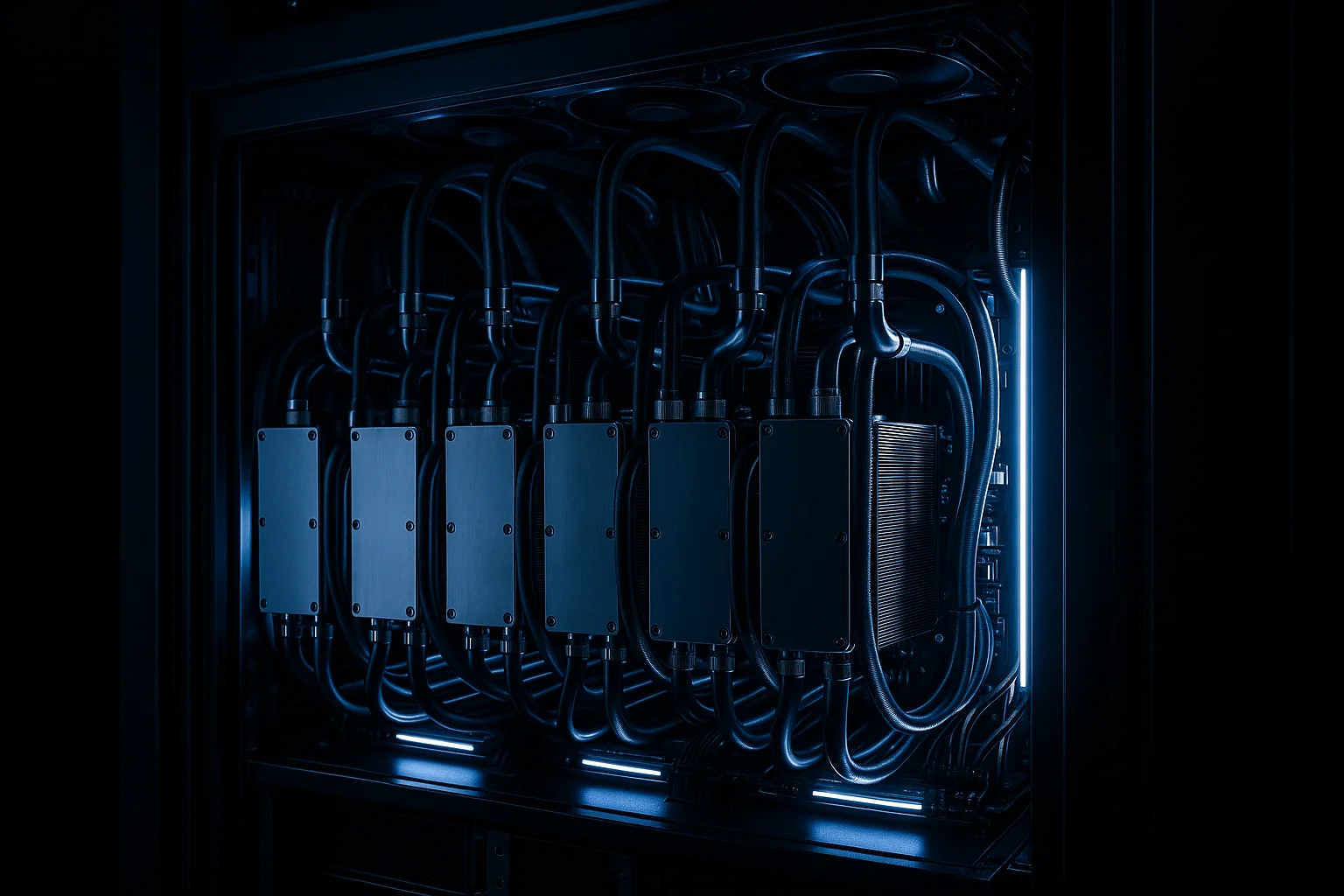
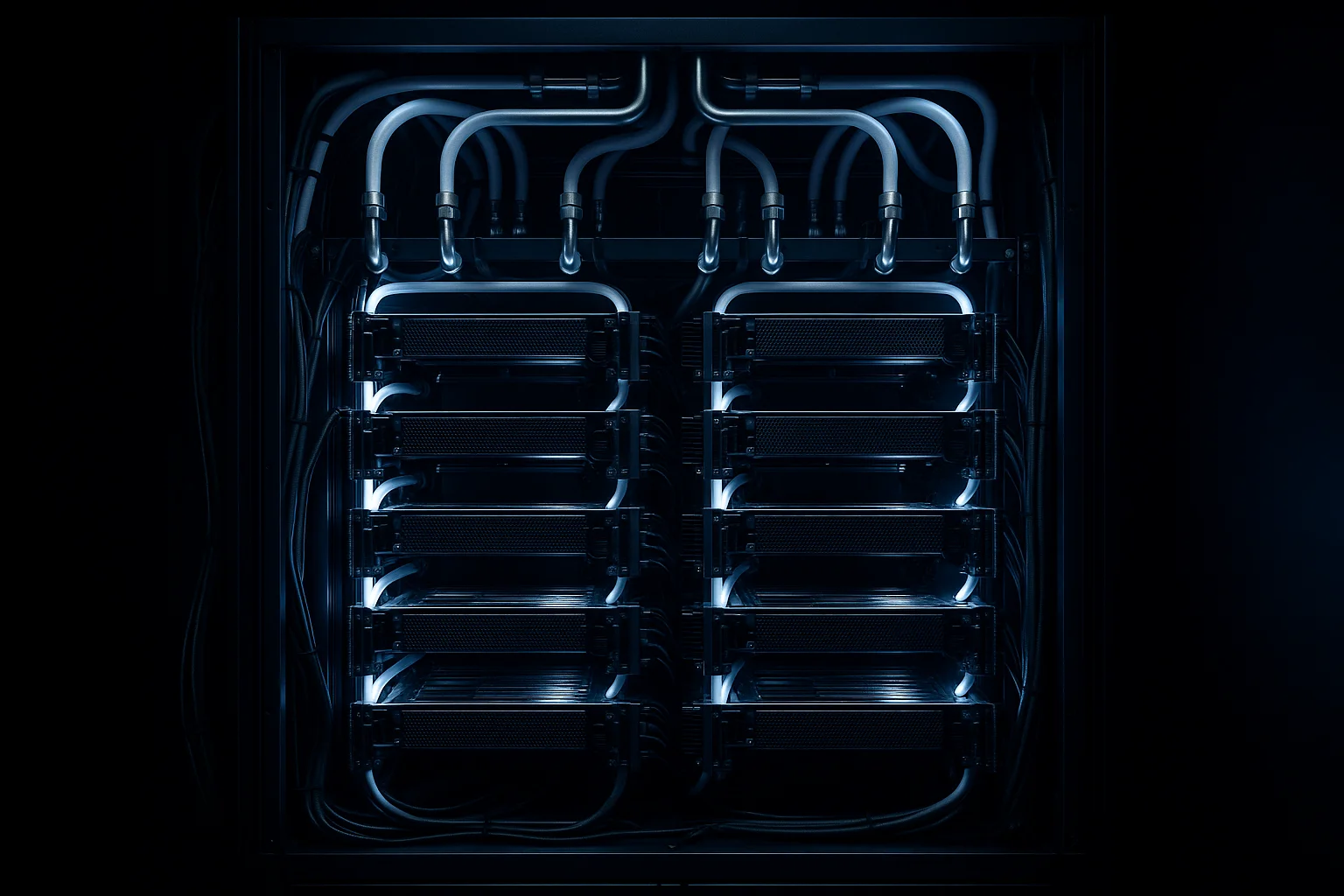
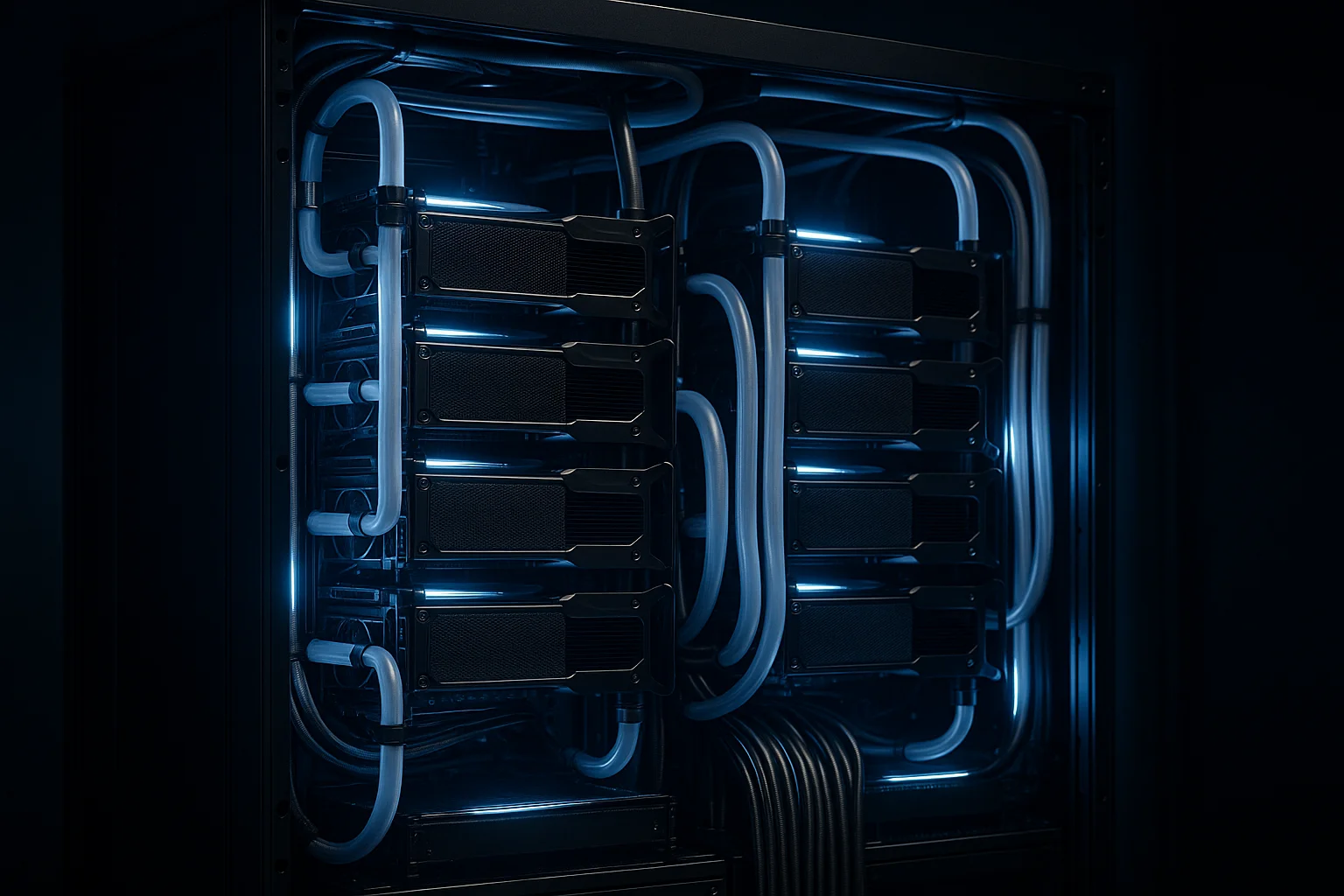
Direct-to-chip liquid cooling solves this by removing heat at the source. Instead of blowing conditioned air across the chassis and hoping it reaches the GPU die, you run coolant through a cold plate mounted directly on the chip. The heat transfers to the liquid, the liquid goes to a heat exchanger, and the GPU runs at sustained clock speeds instead of thermal throttling under load.
IDACORE East supports 120kW per cabinet with direct-to-chip liquid cooling. That's not a marketing ceiling — it's the actual infrastructure spec. The facility targets a PUE of ~1.10, compared to the 1.4–1.6 typical of air-cooled facilities. Every point of PUE improvement is direct cost reduction on your power bill.
The Real Cost Comparison
Here's what a 32-GPU H100 training cluster actually costs across deployment options over 12 months:
| Cost Factor | AWS (p4de equivalent) | IDACORE East Colocation |
|---|---|---|
| Compute/month | ~$92,000 | ~$12,000 (power + colo) |
| Hardware (amortized 3yr) | $0 (included) | ~$18,000/month |
| Egress (10TB/month) | ~$920 | $0 (flat pricing) |
| Annual total | ~$1,107,000 | ~$360,000 |
| PUE overhead | Built in, ~1.5 | ~1.10 |
| Data residency | No guarantee | Idaho/Oregon only |
That's roughly a 67% cost reduction for the same compute over 12 months. Even if you're conservative with the hardware amortization or add managed services, you're saving hundreds of thousands of dollars annually on a cluster this size.
The egress line item matters more than most people expect. Training pipelines pull data in and push checkpoints out constantly. If your training dataset lives in S3 and you're running iterative experiments, egress fees compound fast. IDACORE's flat pricing means no surprise bills at the end of the month.
What About Spot Instances?
Spot pricing on AWS can cut GPU costs by 60–70% — until it can't. Spot instances get preempted. A training job that's been running for 18 days doesn't checkpoint perfectly every time, and restarting from a stale checkpoint wastes GPU-hours. For experiments under a week, spot instances are a reasonable gamble. For production training runs, the interruption risk is real and the math changes.
Reserved instances (1- or 3-year commitments) close the gap somewhat, but you're still paying cloud margins on the compute, you still have egress fees, and you're still on shared infrastructure with variable performance.
Why Power Infrastructure Matters for Training Stability
AI training is not a stateless workload. A power event mid-run doesn't just pause your job — depending on your checkpointing strategy, it can cost you hours or days of compute. This is why the power architecture at your colocation facility matters as much as the cooling.
IDACORE East runs true 2N power: an independent grid source plus gas generation. Not generator backup — a fully redundant independent power path. If the grid goes down, the facility doesn't blink. The generators aren't a failover that takes 10–30 seconds to spin up; they're a parallel source.
The facility also has five diverse fiber routes with two separate entry points. For training workloads that need to pull data from remote sources or sync checkpoints to object storage, network reliability during a multi-week run isn't optional.
For comparison, most cloud regions have strong uptime SLAs on paper, but individual GPU instance availability and network performance vary. You've probably seen the latency spikes during peak hours if you've run serious distributed training on cloud infrastructure. Sound familiar?
Data Residency Is a Real Requirement for Many AI Workloads
If you're training on patient records, financial data, legal documents, or any PII-adjacent dataset, where that data physically lives during training is a compliance question — not just a preference.
Cloud providers offer region-specific deployments, but data residency guarantees in cloud environments are complex. Data can cross availability zones, regions, or even country borders depending on how services are configured. Audit trails are opaque.
IDACORE East is in Eastern Oregon. IDACORE Boise is in Idaho. When you colocate with us, your training data stays in those facilities. It doesn't cross state lines. For organizations operating under HIPAA, financial regulations, or government data handling requirements, that's not a nice-to-have — it's a requirement that cloud architectures struggle to satisfy cleanly.
IDACORE Boise carries SOC 2 Type II, PCI DSS, NIST 800-53, SSAE-16, and HITRUST CSF certifications. The compliance infrastructure is already in place.
Frequently Asked Questions
How much does H100 GPU colocation cost compared to renting from AWS or Azure?
Bare-metal H100 colocation at a facility like IDACORE East runs roughly $2,000–$3,500/month per GPU all-in, including power at $0.055/kWh Idaho Power rates. AWS p4de instances run $32–$40/hour per 8-GPU node — that's $23,000–$29,000/month for equivalent compute. For training jobs running more than 30 days, colocation is almost always cheaper.
What power density do H100 and H200 GPU clusters actually require?
A single H100 SXM5 draws 700W TDP; a full 8-GPU DGX H100 node pulls around 10.2kW. A 4-node rack (32 GPUs) lands at roughly 40–45kW with networking and storage. H200 nodes run hotter — closer to 60–70kW per rack. Standard air-cooled colocation maxes out around 15–20kW/cabinet. You need direct-to-chip liquid cooling for anything above that.
What is direct-to-chip liquid cooling and why does it matter for AI training?
Direct-to-chip liquid cooling runs coolant through a cold plate mounted directly on the GPU die, removing heat at the source instead of blowing air across the chassis. It supports 120kW+ per cabinet versus 15–20kW for air cooling, keeps GPU junction temperatures lower for sustained clock speeds, and cuts facility PUE from the typical 1.4–1.6 range down to around 1.10 — which means less wasted power and lower operating cost per GPU-hour.
Is colocation secure enough for AI training on sensitive or regulated data?
Yes — a properly certified colocation facility can meet or exceed cloud security for regulated workloads. IDACORE Boise holds SOC 2 Type II, PCI DSS, NIST 800-53, SSAE-16, and HITRUST CSF certifications, and supports HIPAA and government compliance requirements. The key advantage for sensitive AI training is data residency: your training data stays physically within Idaho or Eastern Oregon and does not traverse shared cloud infrastructure.
How do I evaluate whether colocation or cloud GPU is the right choice for my AI workload?
The break-even is usually around 30 days of continuous GPU utilization. Below that, cloud spot instances are flexible and cost-effective. Above 30 days — which covers most serious training runs, fine-tuning pipelines, and inference serving — dedicated colocation hardware wins on cost. Also factor in: data egress fees (cloud charges $0.08–$0.09/GB out), dataset size, compliance requirements, and whether you need consistent GPU clock performance rather than the variable performance common on shared cloud instances.
If you're running training jobs that last weeks, paying cloud rates for GPU compute is an expensive habit. IDACORE East is pre-leasing now for Q4 2026 availability — 120kW/cabinet direct-to-chip liquid cooling, true 2N power, and $250/kW/month all-in with a 1MW minimum. If you want to run the numbers on your specific cluster configuration, talk to our infrastructure team — we'll give you a real cost comparison, not a sales deck.