PUE — Power Usage Effectiveness — tells you how much total facility power it takes to deliver one watt to your servers. A PUE of 1.2 means 1.2 watts in for every 1 watt of IT load. It's a useful baseline metric, but for AI and GPU workloads specifically, it misses the variables that actually determine your cooling costs and whether your hardware runs at full capacity.
What PUE Actually Measures — and What It Doesn't
PUE is a ratio: total facility power divided by IT equipment power. At face value, lower is better. A 1.1 is excellent. A 1.5 is mediocre. A 1.8 means you're burning nearly as much power on overhead as on compute.
The problem is what PUE doesn't capture.
It doesn't tell you the cooling method. A facility with a 1.3 PUE running traditional CRAC units and a facility with a 1.15 PUE running direct-to-chip liquid cooling are fundamentally different environments — even if the number on paper makes the first one look competitive.
It doesn't tell you the density ceiling. A facility might publish a PUE of 1.2, but if their cooling infrastructure maxes out at 15kW per cabinet, that number is irrelevant to your H100 cluster. You can't fit a 100kW workload into a 15kW envelope regardless of how efficient the overhead is.
It doesn't tell you at what load the PUE was measured. This one matters more than most people realize. PUE is highly sensitive to utilization. A facility running at 20% IT load will report a worse PUE than the same facility at 80% load, because fixed cooling overhead (chillers, pumps, CRAC fans) runs continuously regardless of how many servers are actually on. Many published PUE figures are annual averages that include periods of low utilization — which means they're not representative of what you'll see when your GPU cluster is running flat out.
What High-Density AI Workloads Actually Require
An NVIDIA H100 SXM5 has a TDP of 700W. A standard 8-GPU server draws around 6–7kW. Put four of those in a cabinet and you're at 25kW before you've added networking, storage, or any headroom. A fully loaded AI training rack — 8 servers, high-speed interconnect, NVMe — can hit 80–100kW without breaking a sweat.
Traditional air cooling in a data center tops out around 20–30kW per cabinet under real-world conditions. Some facilities push to 40kW with supplemental in-row cooling, but that's the ceiling. And at that ceiling, you're fighting thermal gradients, hot spots, and inlet temperature creep that causes GPU throttling before you ever hit a hard shutdown.
GPU throttling is the silent killer of AI training jobs. When a GPU's junction temperature hits its thermal limit, it reduces clock speed to shed heat. Your job keeps running, your power consumption stays high, but your throughput drops — sometimes by 15–25%. You're paying full price for compute you're not getting.
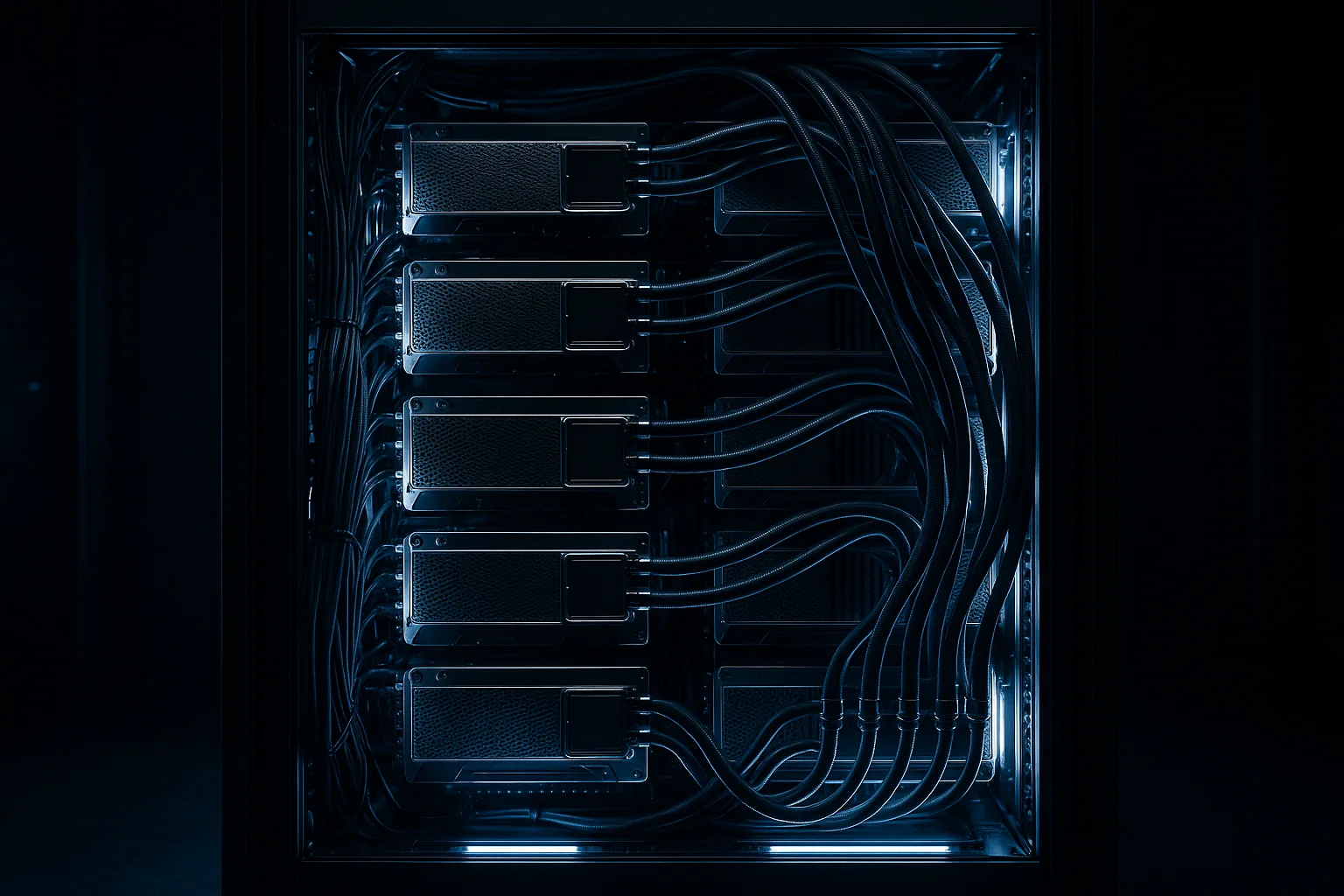
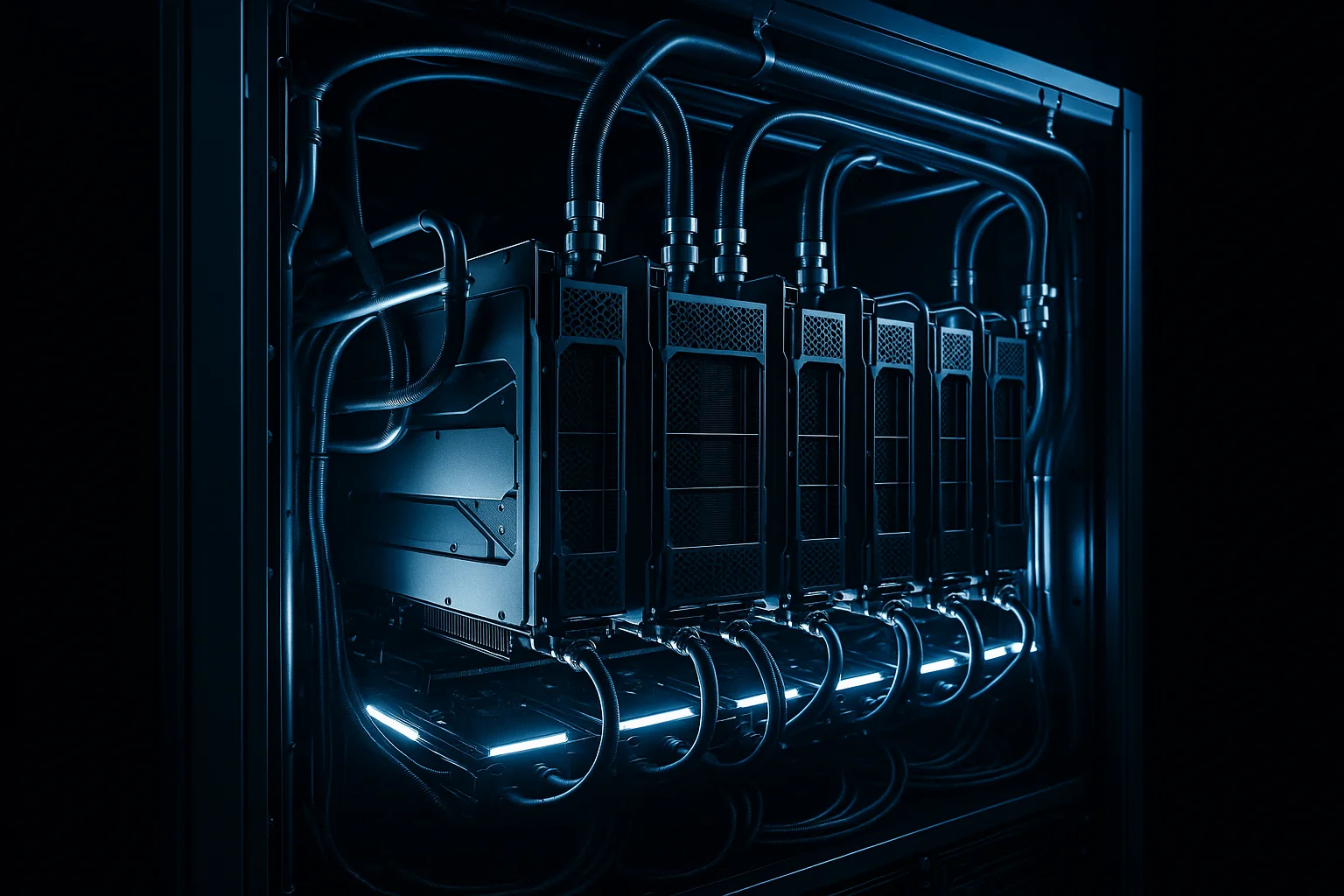
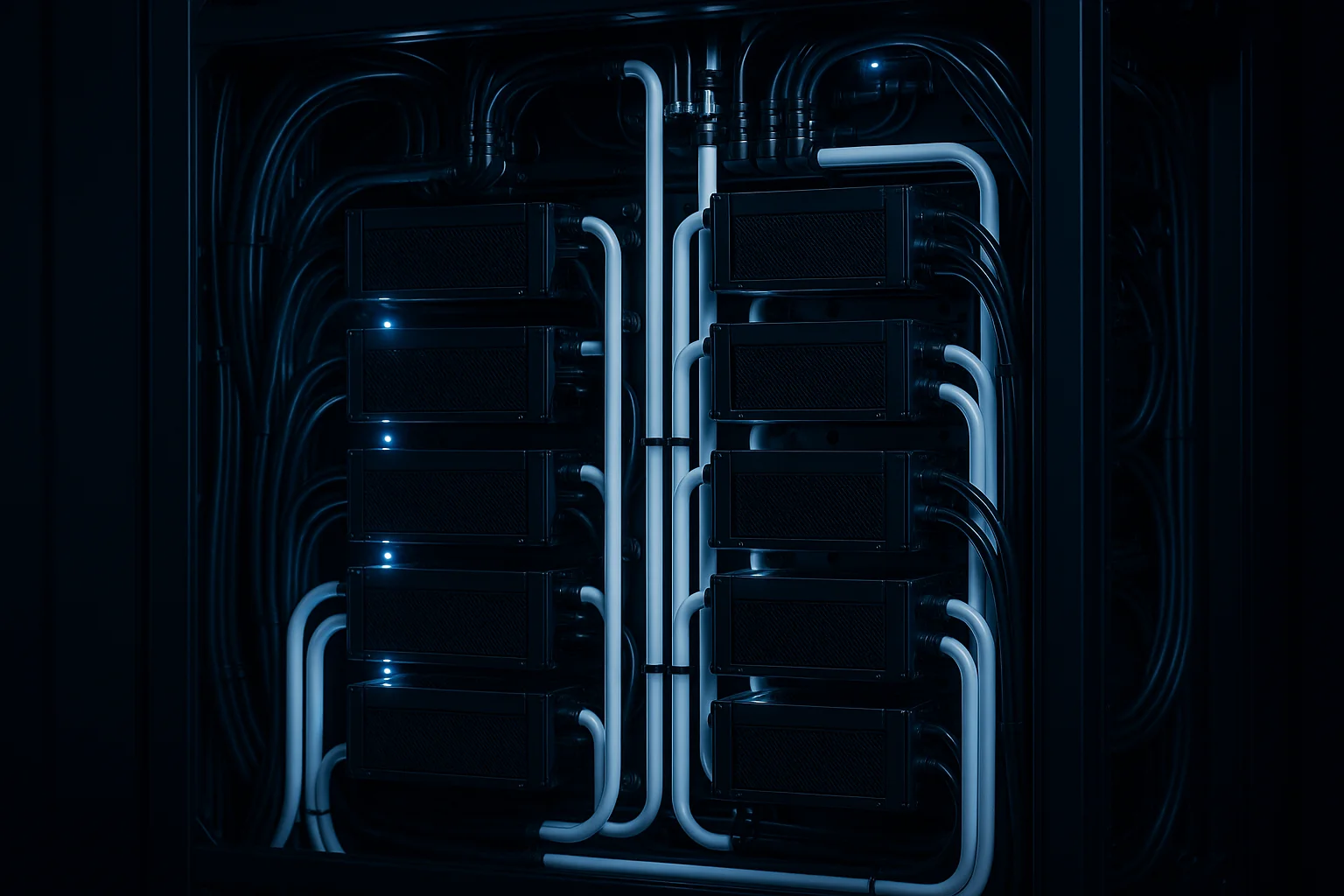
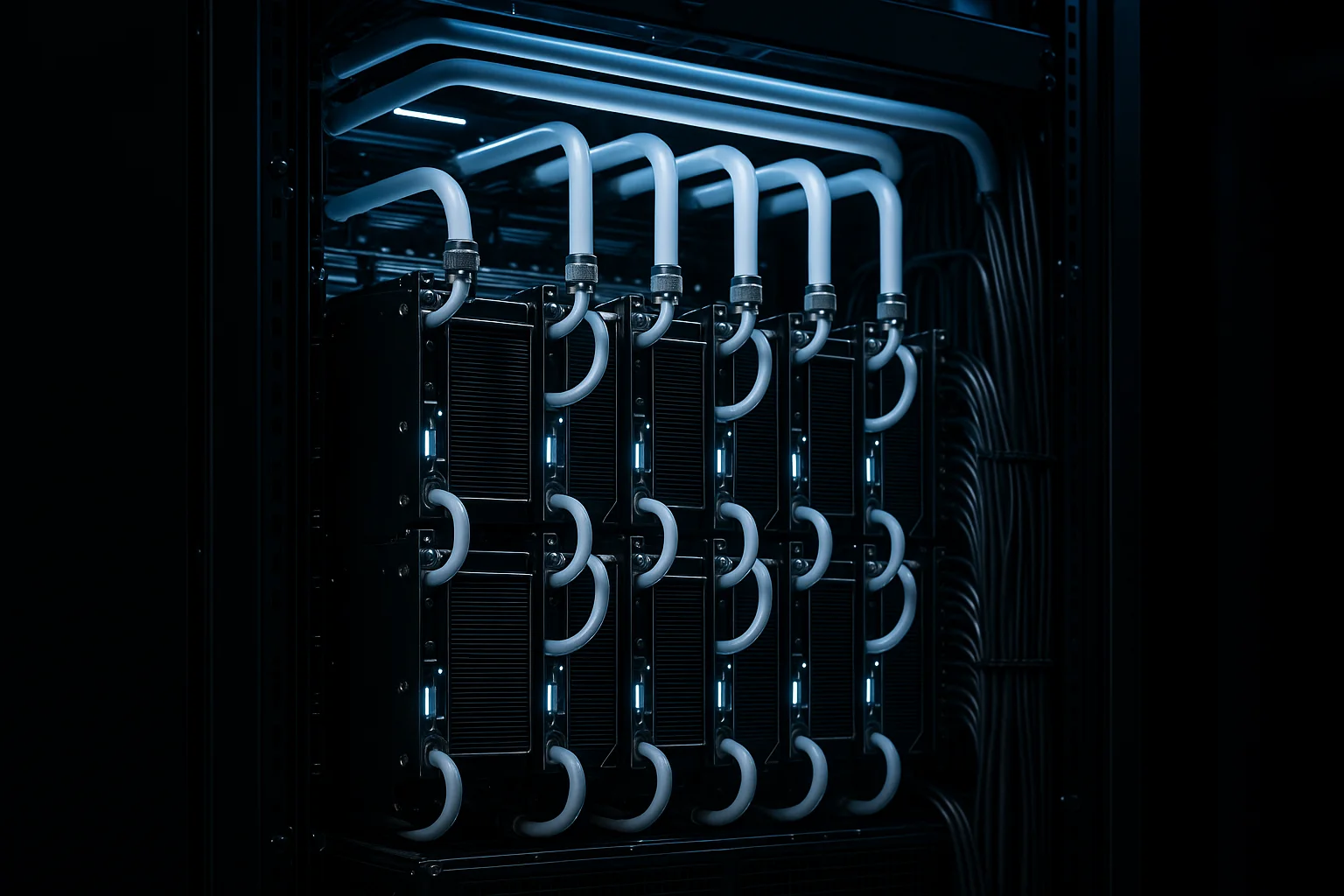
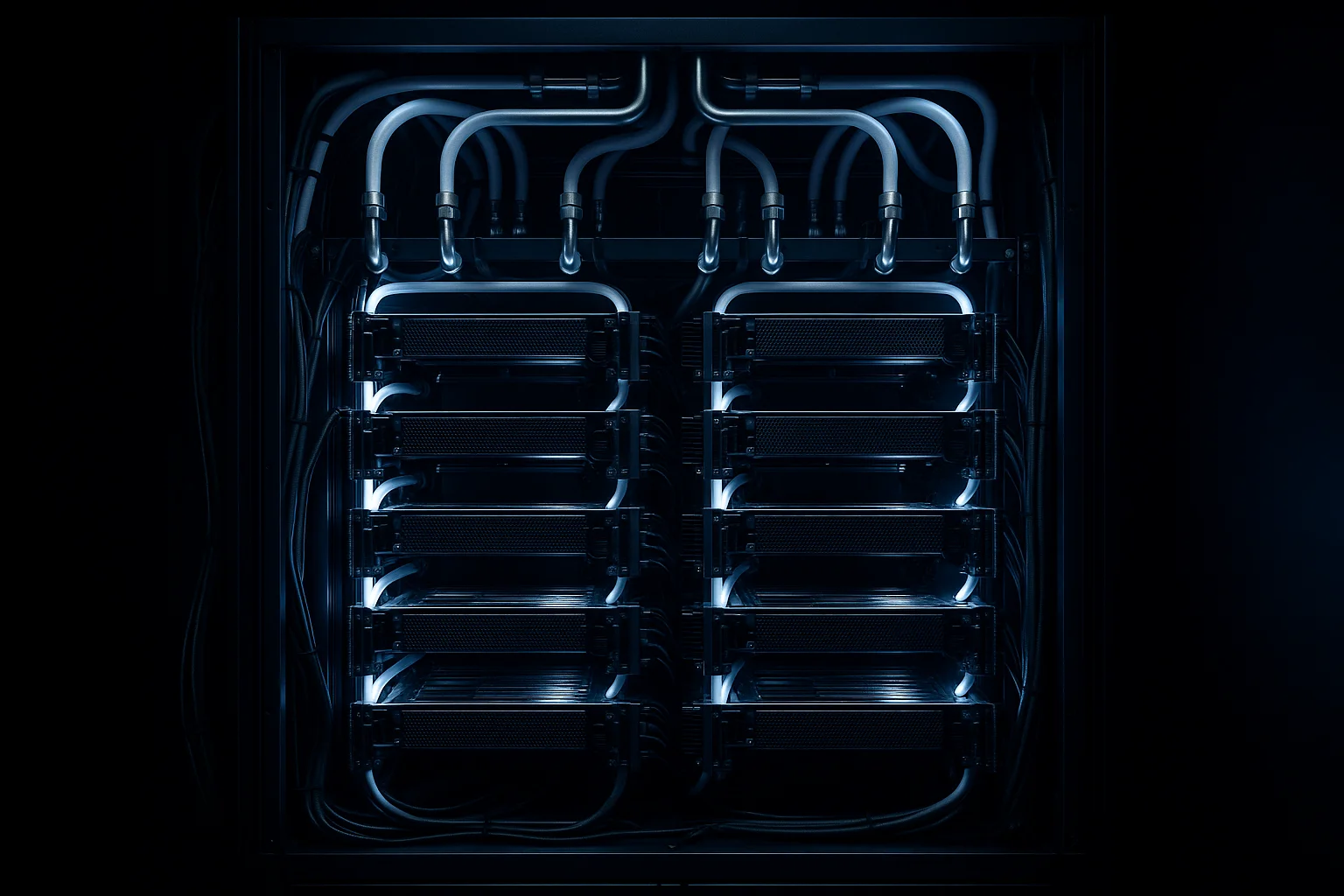
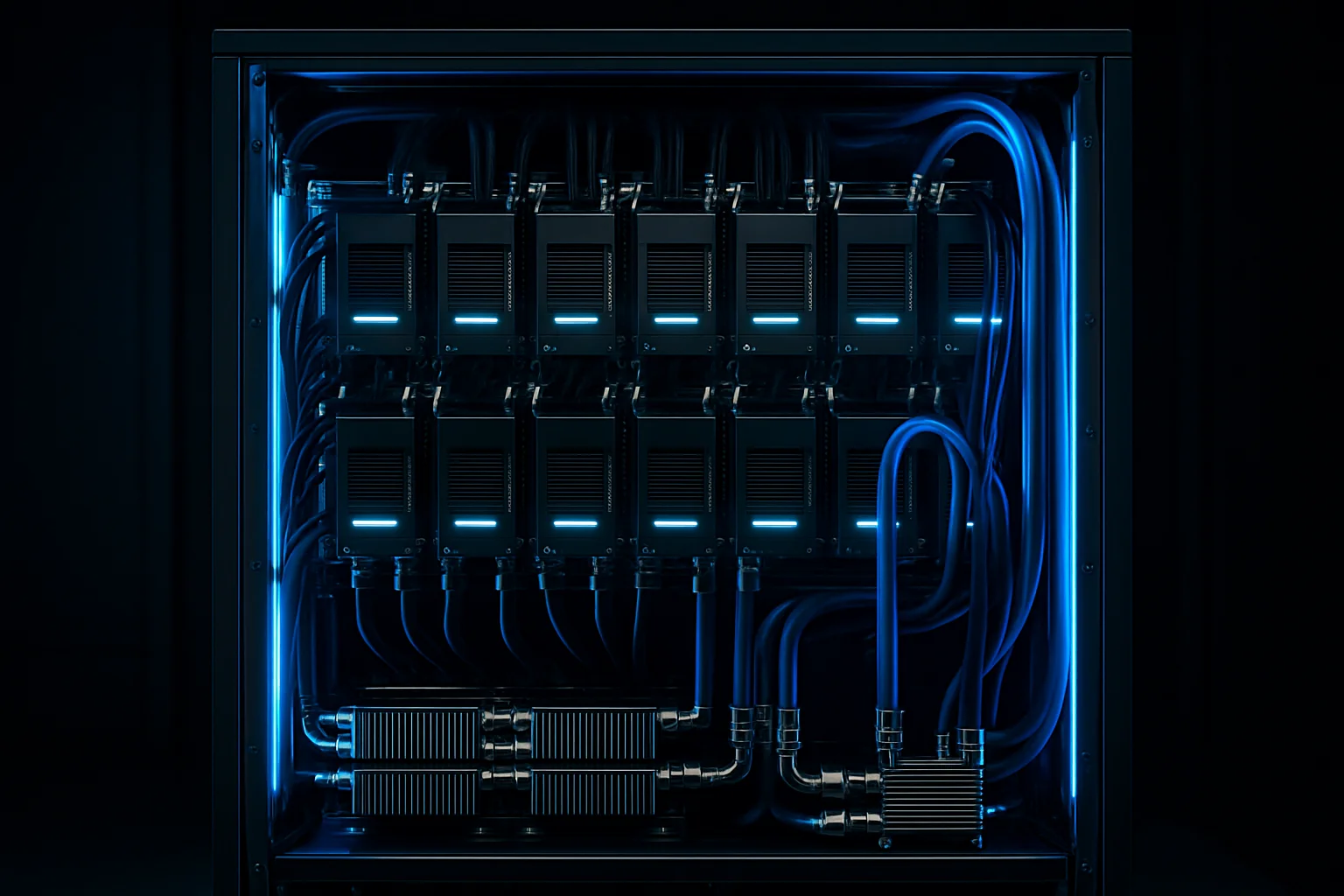
Direct-to-chip liquid cooling solves this by removing heat at the source. Cold plates sit directly on the GPU die, carrying heat away via coolant rather than air. This keeps junction temperatures lower, allows sustained operation at full TDP, and removes the density ceiling that air cooling imposes. At IDACORE East, direct-to-chip liquid cooling supports 120kW per cabinet — enough for the densest H100 and H200 configurations available today.
The Metric That Actually Matters: Cost Per Useful Compute Hour
Here's a better way to think about cooling efficiency for AI workloads: what does it cost to run your GPU at full, sustained throughput for one hour?
That number is a function of several things PUE doesn't capture:
Cooling method and density ceiling. If your cooling can't support your GPU's TDP, you're either throttling (wasted money) or spreading hardware across more cabinets (more space costs). Liquid cooling that supports 120kW/cabinet means you can pack dense and run hot without penalty.
Power rate. Idaho Power commercial rates run around $0.055/kWh — roughly half the national average. That's not a rounding error. On a 1MW AI cluster running 8,760 hours a year, the difference between $0.055/kWh and $0.11/kWh is $481,800 annually. PUE efficiency matters less when your base power rate is already this low.
Free cooling availability. At IDACORE East in Eastern Oregon, free air cooling is viable approximately 8 months per year. During those months, mechanical chiller energy drops significantly, which reduces the actual overhead energy per IT watt — even if the nominal PUE figure stays similar. This directly lowers your effective cost per compute hour without any change to your contracted rate.
All-in pricing vs. itemized billing. Some facilities quote a low PUE but then charge separately for cooling infrastructure, power distribution overhead, or "above-standard density" fees when your GPUs actually run hot. IDACORE East's $250/kW/month is all-in — power, cooling, and space for your IT load.
How to Compare Colocation Facilities for AI Workloads
| Factor | What to Ask | Why It Matters |
|---|---|---|
| PUE | At what IT load was this measured? | Low-utilization PUE is misleading |
| Cooling method | Air, liquid, or hybrid? | Determines density ceiling |
| Max kW/cabinet | Hard limit or engineered limit? | Affects how dense you can pack |
| Power rate | What's the base $/kWh? | Multiplies across every watt you draw |
| Free cooling months | How many months/year? | Reduces effective overhead energy |
| Pricing model | All-in or itemized? | Hidden fees appear at density |
| Thermal SLA | What happens at 100% TDP sustained? | Tests whether they've actually done this |
A facility with a 1.15 PUE, air cooling, and a 20kW/cabinet limit is a worse environment for an H100 cluster than a facility with a 1.20 PUE, direct-to-chip liquid cooling, and a 120kW/cabinet limit. The second facility's PUE looks worse on paper. It's a better facility for the workload.
What a Real Comparison Looks Like
Say you're running 40 cabinets of H100s at 80kW average draw — a 3.2MW IT load. You're evaluating two facilities.
Facility A: 1.15 PUE, air cooling, $0.10/kWh, 30kW/cabinet max (so you'd need 107 cabinets to spread the load). Total facility draw: 3.68MW. Annual power cost: ~$3.22M.
Facility B: 1.20 PUE (before free cooling periods), direct-to-chip liquid, $0.055/kWh, 120kW/cabinet, 8 months free cooling. Total facility draw: 3.84MW. Annual power cost at blended effective rate ~$0.048/kWh after free cooling: ~$1.61M.
Facility A's PUE looks better. Facility B costs half as much to operate and fits your workload in 40 cabinets instead of 107.
PUE is one input. It's not the answer.
Frequently Asked Questions
What is a good PUE for AI and GPU colocation?
A PUE of 1.10–1.20 is excellent for AI workloads, but the number alone doesn't tell you much. What matters is whether the facility can actually deliver cooling at the density your GPUs require — 30–120kW per cabinet — without throttling or thermal shutdowns. Ask for PUE at full IT load, not at 20% utilization, which is where most published numbers come from.
Does direct-to-chip liquid cooling really make a difference for H100 clusters?
Yes, significantly. Air cooling tops out around 20–30kW per cabinet before you hit thermal limits. H100 and H200 clusters routinely need 60–120kW per cabinet. Direct-to-chip liquid cooling removes heat at the source, keeps GPU junction temperatures lower, and lets you run higher sustained TDP without throttling — which directly affects training throughput and job completion time.
How does free air cooling affect data center operating costs?
Free air cooling — using outside air instead of mechanical chillers — can eliminate a large portion of cooling energy costs during cooler months. At IDACORE East in Eastern Oregon, free air cooling is viable roughly 8 months per year. That directly reduces the facility's PUE during those periods and lowers the effective cost per kWh delivered to your hardware, without any change to your contracted rate.
What should I ask a colocation provider about cooling before signing?
Ask for PUE at your specific IT load, not the facility average. Ask what the maximum kW per cabinet is, and whether that's air, liquid, or hybrid. Ask what happens if your GPUs run at 100% TDP continuously — can the cooling system sustain that? Ask for the design cooling capacity versus current IT load. A facility at 80% cooling capacity with room to grow is a very different situation than one already near limits.
Why is $250/kW/month a meaningful metric for AI colocation pricing?
Per-kW pricing bundles power and cooling into a single number, which is the right way to compare AI colocation costs. At IDACORE East, $250/kW/month all-in covers power, cooling, and space for a 1MW minimum commitment. Compare that to hyperscaler GPU instance pricing: a single H100 node at AWS can run $30–$100/hour. Owned or colocated hardware at $250/kW often pays back within 12–18 months for sustained training workloads.
If you're planning an AI or HPC deployment and you're being sold on PUE numbers without a conversation about cooling method, density ceiling, and power rates, you're not getting the full picture. IDACORE East is built specifically for this: 120kW/cabinet direct-to-chip liquid cooling, true 2N power, Idaho Power rates, and a target PUE of ~1.10 — with free air cooling 8 months a year to back it up. Talk to our infrastructure team about your workload requirements before you sign anything.