Standard colocation facilities weren't built for H100 clusters. Most are designed around 10–15kW per cabinet — enough for servers from five years ago. A real H100 training cluster needs 60–80kW per cabinet minimum, and the cooling infrastructure to match. Without it, GPUs thermal-throttle, training runs slow down, and you're paying full price for degraded hardware.
What Power Density Does an H100 Cluster Actually Need?
Start with the hardware specs. A single NVIDIA DGX H100 system — eight H100 SXM5 GPUs, NVLink fabric, dual Intel Xeons, NVMe storage — draws up to 10.2kW under full load. That's one box.
A real training cluster isn't one box. It's multiple DGX nodes, InfiniBand networking switches, NVMe-over-Fabric storage arrays, out-of-band management, and redundant power distribution. Rack that up and you're at 60–80kW per cabinet before you've added any headroom for thermal variance or future expansion.
Now compare that to what a standard colo facility actually delivers. Most were engineered in an era when 8–12kW per cabinet was considered high density. Even facilities that advertise "high density" often mean 20–30kW — still less than half of what a loaded H100 cabinet requires.
The result is predictable: you either spread your cluster across more cabinets than the workload warrants (which adds inter-node latency and drives up your space costs), or you pack the GPUs in anyway and watch the thermal warnings start accumulating.
Why Air Cooling Fails at This Density
Air cooling works by moving ambient air across heat sinks and out of the cabinet. The physics are straightforward: you can only move so much heat per cubic foot of airflow, and there's a ceiling to how cold you can make the supply air before condensation becomes a problem.
At 10–15kW per cabinet, air cooling is fine. At 60–80kW, you're asking air to do a job it can't do. The math doesn't work. You'd need airflow velocities that create their own mechanical problems, and even then, the heat density at the chip level — concentrated in a GPU die that's smaller than your palm — exceeds what convective airflow can manage efficiently.
What actually happens in practice: the GPUs hit their thermal limits, the onboard power management kicks in, and clock speeds drop. NVIDIA calls it thermal throttling. Operators call it paying full price for hardware that's running at 70% of its rated throughput. Either way, your training runs take longer and your cost per training step goes up.
The Specific Problem With H100 SXM5 Thermal Design
The H100 SXM5 variant — the one in DGX systems and HGX server boards — has a 700W TDP per GPU. Eight of them in a DGX H100 is 5,600W from the GPUs alone, before you account for the CPUs, memory, NVMe drives, and networking. NVIDIA's own thermal design for these systems assumes liquid cooling assistance. The SXM5 form factor physically connects to a liquid-cooled baseplate in the DGX chassis. You're not working around liquid cooling — the hardware expects it.
What Direct-to-Chip Liquid Cooling Actually Does
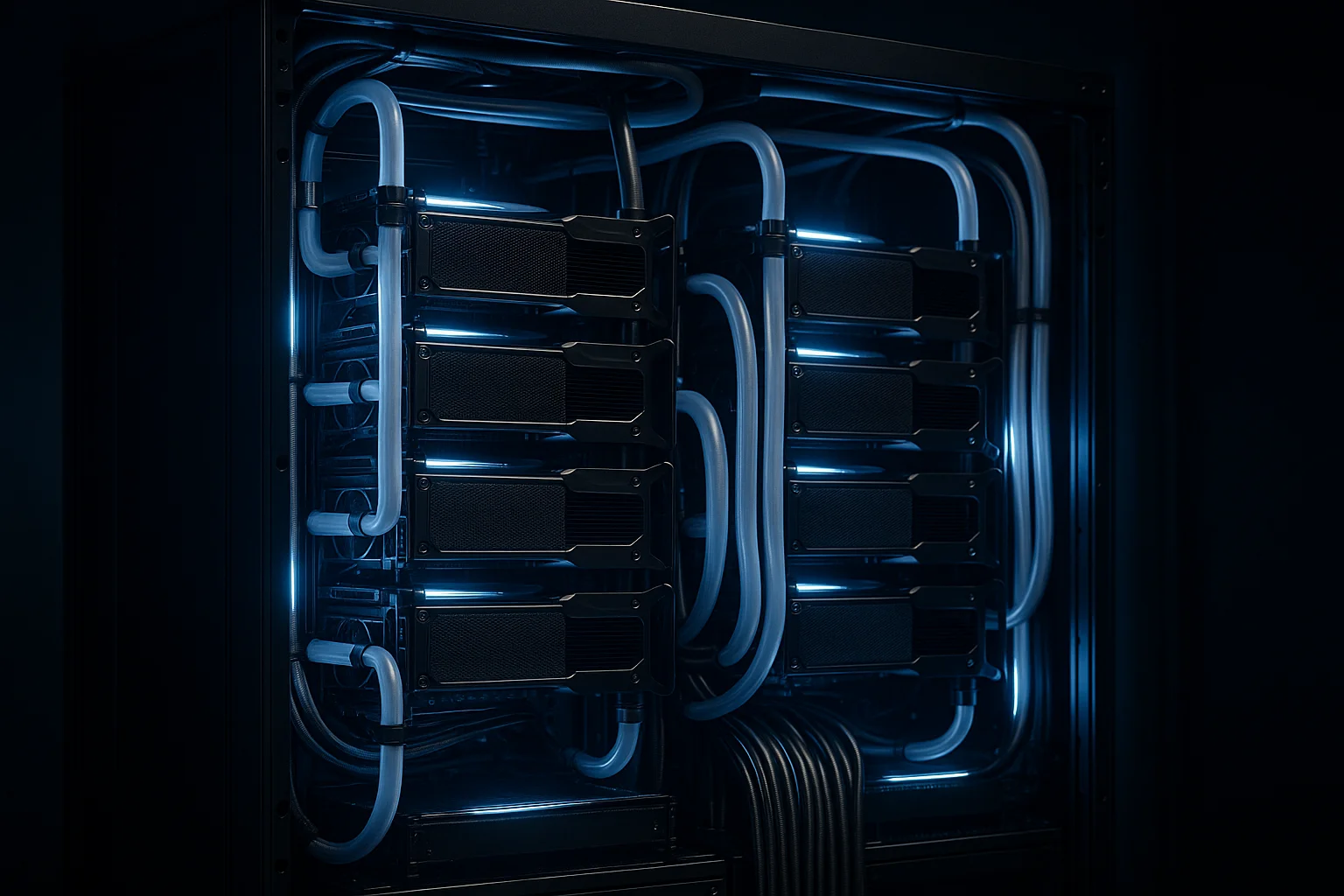
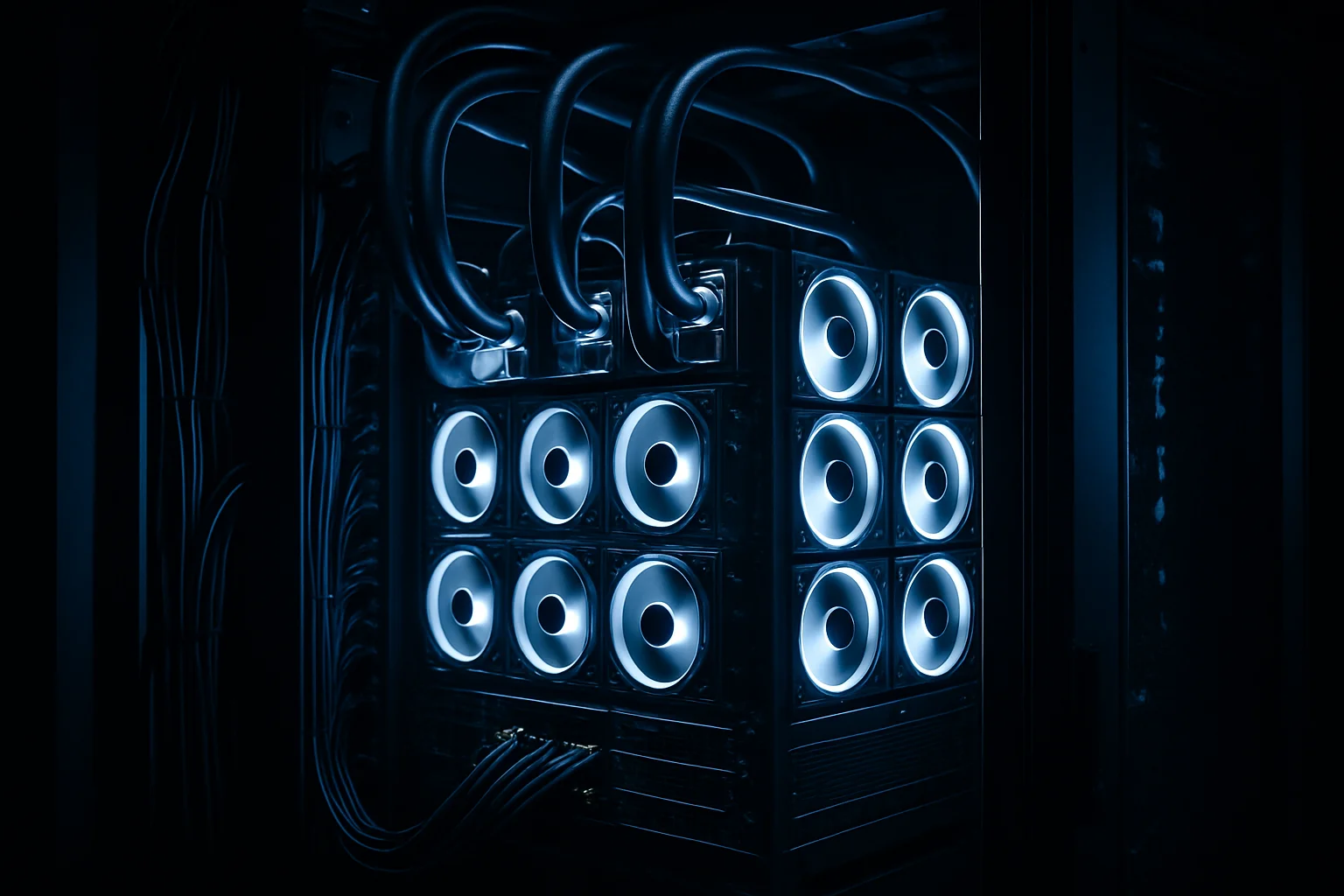
Direct-to-chip liquid cooling runs coolant lines to cold plates that mount directly on the processor dies. Instead of relying on airflow to carry heat out of the cabinet, you're pulling heat away at the source and moving it out via water or dielectric fluid to a heat exchanger.
The practical effects for an H100 cluster:
Sustained clock speeds. When the GPU junction temperature stays within spec under full load, the power management firmware doesn't throttle. You get the performance you paid for, sustained over a multi-day training run, not just in short benchmarks.
Higher cabinet density. When you're not limited by what air can carry, you can pack more compute into a smaller footprint. That matters for inter-node latency — the closer your GPUs are physically, the less your InfiniBand fabric has to work.
Quieter, more stable environment. Air-cooled high-density deployments require aggressive airflow that creates significant acoustic and vibration environments. Liquid-cooled facilities are quieter and mechanically simpler at the cabinet level.
Better PUE. Moving heat via liquid and rejecting it at a central heat exchanger is more efficient than conditioning an entire room's air to cool a handful of hot spots. IDACORE East is targeting a PUE around 1.10. For context, the US data center industry average is around 1.55–1.58. That difference compounds directly into your power costs.
The Infrastructure That Makes 120kW Per Cabinet Possible
Supporting 120kW per cabinet isn't just about running coolant lines. It requires rethinking the entire facility stack.
Power architecture. IDACORE East runs true 2N power — an independent grid source plus gas generation. Not generator-as-backup, where the generator sits idle until the grid fails. True 2N means both sources are live and capable of carrying the full load independently. For AI training workloads that run continuously for days or weeks, that distinction matters. A generator that hasn't run under load in six months is not the same as a generation source that's actively supporting the facility.
Fiber diversity. Five diverse fiber routes with two separate building entry points. When you're running a training cluster that costs tens of thousands of dollars per day to operate, a fiber cut that takes you offline for four hours is a serious financial event. Diverse physical paths with separate building entries are the actual mitigation.
Cooling capacity headroom. Free air cooling is viable in Eastern Oregon about eight months per year, which meaningfully reduces mechanical cooling costs and complexity during those periods. When mechanical cooling is needed, the liquid cooling loop still does the heavy lifting at the cabinet level.
Here's how the economics compare for a 1MW deployment:
| IDACORE East | Typical Hyperscaler Cloud | |
|---|---|---|
| Pricing model | $250/kW/month all-in | Per-instance hourly, plus egress |
| Power density | 120kW/cabinet | Managed by provider |
| Cooling type | Direct-to-chip liquid | Air (typically) |
| Minimum commitment | 1MW | None (but pricing reflects it) |
| Data residency | Eastern Oregon | Varies, often multi-region |
| Egress costs | Flat, no surprise bills | $0.08–$0.09/GB at scale |
| Target PUE | ~1.10 | 1.2–1.5 depending on region |
At 1MW, IDACORE East comes to $250,000/month. That sounds like a large number until you price out equivalent H100-class GPU capacity on AWS or Azure for sustained 24/7 training workloads. The hyperscaler bill at that scale routinely runs $400,000–$600,000/month — and that's before egress.
What This Means for Your Deployment Timeline
IDACORE East is pre-leasing now via Letter of Intent, with Phase 1 targeting Q4 2026. Phase 1 is 5MW of IT load across 40 cabinets. The full site scales to 20MW.
If you're planning an H100 or next-generation GPU cluster deployment, the lead time on purpose-built liquid-cooled space is real. Facilities that can actually support this density aren't commodity inventory — they're engineered to spec. Getting into the LOI process now means your infrastructure is ready when your hardware arrives, not six months after.
Private transport to IDACORE Boise and IDACORE North means you're not isolated, either. You can run your AI training workload in Eastern Oregon and maintain operational connectivity to the Boise facility for management, monitoring, and hybrid workloads without hauling traffic over the public internet.
Frequently Asked Questions
How much power does an H100 server cluster actually need per cabinet?
A fully loaded DGX H100 system draws about 10.2kW on its own. Rack that with networking, storage, and redundancy and you're looking at 60–80kW per cabinet minimum for a real training cluster. Most standard colo facilities are designed for 10–15kW per cabinet. That gap is why H100 deployments fail in conventional data centers — the infrastructure simply wasn't built for this power density.
What is direct-to-chip liquid cooling and why does it matter for GPU workloads?
Direct-to-chip liquid cooling runs coolant lines directly to cold plates mounted on the GPU and CPU dies, pulling heat away at the source instead of relying on airflow to carry it out of the cabinet. For H100 workloads, this matters because air cooling can't move enough heat fast enough at 60–120kW densities. Liquid cooling keeps junction temperatures stable, which directly affects sustained GPU clock speeds and training throughput.
Can I run H100 GPUs in a standard air-cooled colocation facility?
Technically yes — if you run them underloaded. At full training workloads, a standard air-cooled colo facility with 10–15kW per cabinet limits forces you to spread workloads across more cabinets, adds latency between nodes, and often still results in thermal throttling. You end up paying for more space and getting worse performance. For serious AI training, you need a facility purpose-built for high-density liquid cooling.
What does 120kW per cabinet colocation cost compared to AWS or Azure GPU instances?
IDACORE East prices GPU colocation at $250/kW/month all-in, with a 1MW minimum. At 120kW per cabinet, that's $30,000/cabinet/month including power and cooling. AWS p4d.24xlarge instances with comparable H100-class GPU capacity run $32–$40/hour per instance. A sustained training workload that runs 720 hours a month on AWS costs $23,000–$29,000 per instance — and you typically need multiple instances. Owned hardware in purpose-built colo is almost always cheaper at scale.
Where is IDACORE East located and when will it be available?
IDACORE East is located in Eastern Oregon. It's currently in pre-leasing via Letter of Intent, with Phase 1 targeting Q4 2026. Phase 1 delivers 5MW of IT load across 40 cabinets at 120kW each. The full site scales to 20MW. Power comes from a true 2N architecture — independent grid source plus gas generation, not a generator-as-backup design — with five diverse fiber routes and two separate building entry points.
If you're sizing an H100 cluster and the power density conversation hasn't come up yet, it needs to. IDACORE East was designed specifically around what these workloads actually require — 120kW per cabinet, direct-to-chip liquid cooling, true 2N power, and flat pricing that doesn't change when your training run goes long. Talk to us about your deployment requirements before your hardware lead times force the decision for you.